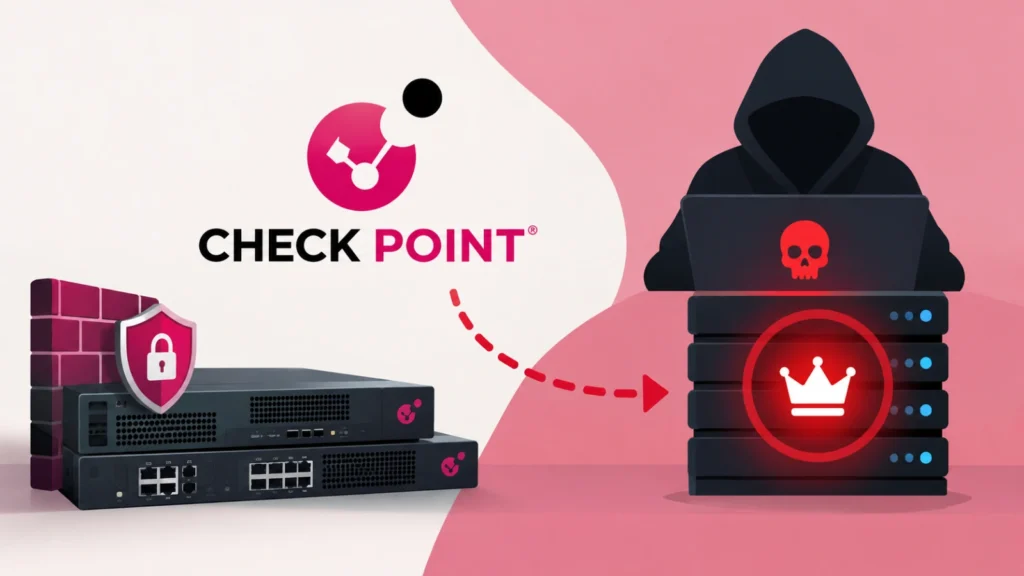
Check Point customers are being urged to update security management and logging infrastructure after the vendor disclosed a critical pre-authentication vulnerability capable of giving remote attackers root access. Tracked as CVE-2026-91843, the stack-based buffer overflow carries a CVSS 3.1 score of 9.8 and requires neither credentials nor user interaction.
The weakness sits in the login path. An attacker can supply an excessively long username that triggers a stack overflow before authentication finishes. Successful exploitation could permit arbitrary code execution with the operating system’s highest privileges, turning a management interface intended to protect the network into a powerful foothold.
Management and log servers are affected
Affected products include Security Management Server, Multi-Domain Security Management Server, Log Server and Multi-Domain Log Server. Vulnerable branches include R82.20, R82.10 with Jumbo Hotfix Take 44 or earlier, R82 with Take 126 or earlier, and R81.20 with Take 166 or earlier. Older end-of-support releases are also affected, including R81.10 through Take 190 and the R80 to R80.40 and R81 families.
Smart-1 Cloud is not vulnerable because Check Point has already deployed the correction in the hosted environment. Self-managed installations still require administrators to confirm their own coverage. Unsupported branches deserve particular attention: organizations should apply the available protection where possible and plan migration to a maintained release.
Why root access raises the impact
A compromised management server can expose far more than a single host. It may contain firewall policy, administrator details, network objects, configuration information and logs describing activity across protected environments. Root control could let an intruder inspect or alter those assets, interfere with security operations, hide evidence and prepare additional movement into the network.
Check Point has not published a complete exploit chain and has not said that attacks have been observed in the wild. That absence should not reduce urgency. The flaw is network reachable, has low attack complexity and is triggered before authentication, a combination that gives defenders little margin if technical details become broadly available.
Deploy and verify the LivePatch
The correction is being delivered through Check Point LivePatch. Environments using automatic security updates under the vendor’s sk175504 guidance should receive it automatically, but teams should verify rather than assume deployment succeeded. Offline urgent security update packages are also available: Take 29 for R82.20 and Take 28 for R82.10, R82 and R81.20.
The LivePatch must reach every affected management and logging system. Administrators can enter Expert mode and run cplp list. A protected host should list the fwm:fwm patch as armed, show livepatch mode and reference CVE-2026-91843 in the comment field. Recording this evidence provides a clearer audit trail than simply checking whether automatic updates are enabled.
Hunt for oversized login attempts
Check Point recommends examining SmartConsole Audit and Admin login records for the message “Administrator failed to log in: Username too long.” That event can indicate delivery of the oversized input associated with the flaw, although it is not by itself proof that code execution succeeded.
Responders finding the message should correlate source addresses, timestamps, configuration changes, administrator activity and unusual processes on the server. Relevant logs should be preserved, and investigation should extend to systems reachable from the management host. Until remediation is confirmed, SmartConsole Trusted Clients should be limited to approved addresses or subnets; the “Any” client type should not be used.
Exposure reduction is useful but does not replace the fix. Organizations should check every management plane, validate the patch’s armed status and investigate suspicious login evidence. A security control with root-level compromise potential must be handled as critical infrastructure inside the enterprise, not as an ordinary application server.
Leave a Reply
You must be logged in to post a comment.