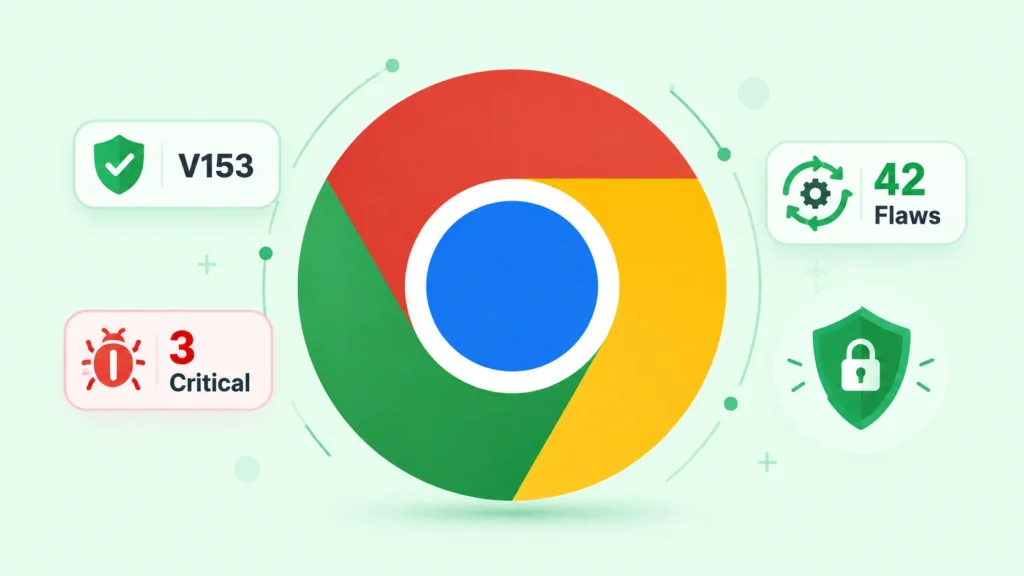
Google has begun rolling out Chrome 153 with fixes for 42 security vulnerabilities across Windows, macOS and Linux. Three of the flaws carry a Critical rating, while 27 are classified High severity. Although Google has not reported active exploitation of the newly fixed bugs, the concentration of memory-safety problems makes rapid deployment a sensible priority.
Three critical flaws lead the update
The critical group includes two use-after-free defects and an out-of-bounds read. CVE-2026-91721 affects Chrome’s Internals component, while CVE-2026-91749 affects Workers, the browser mechanism that lets scripts perform tasks away from a page’s main execution thread. CVE-2026-91726 is an out-of-bounds read in WebGL, the graphics interface exposed to web content.
A use-after-free condition occurs when software continues to reference memory after it has been released. Under favorable conditions, an attacker may manipulate the reused memory and redirect program behavior. Out-of-bounds access can expose data or destabilize a process by reading beyond an intended memory region. The practical result depends on browser sandboxing and other mitigations, but these bug classes have repeatedly formed building blocks in browser exploit chains.
High-severity bugs span sensitive components
The 27 High-severity fixes cover the V8 JavaScript engine, DOM, PDF processing, authentication, digital credentials, extensions, Skia graphics, Service Workers and other core areas. Google corrected additional use-after-free issues, type confusion, integer overflows, race conditions and an out-of-bounds write. Authorization and state-validation weaknesses were also addressed.
This breadth illustrates why browsers deserve the same patch discipline as operating systems. A modern browser parses documents and images, executes complex code, accesses cameras and microphones, stores credentials and supports extensions. Each subsystem creates an attack surface, and ordinary browsing continuously exposes many of them to untrusted input.
Stable versions and rollout considerations
The fixed Stable channel versions are 153.0.8010.47 or .48 for Windows and macOS, and 153.0.8010.47 for Linux. Google is distributing the release gradually, so not every installation will receive it at the same moment. Background download alone is insufficient: users must relaunch Chrome before a pending update replaces the running browser processes.
Google generally limits access to detailed bug reports until a large portion of the user base has updated. Restrictions may last longer when the vulnerable code also exists in a third-party component used by other products. This practice reduces the amount of immediately actionable information available to attackers while vendors and administrators deploy fixes.
What users and security teams should do
- Open Chrome’s About page to trigger an update check and confirm the installed version.
- Relaunch the browser, then verify that no old processes remain running.
- Use centralized policy and inventory tools to identify devices blocked by update controls.
- Prioritize endpoints used for administration, development and access to sensitive web applications.
Enterprise teams should look beyond reported installation status and validate the executable version actually running on endpoints. They should also investigate systems that remain behind because of failed installations or deferred restarts. Vulnerability management data is most useful when paired with endpoint telemetry that distinguishes a downloaded update from an applied one.
There is no indication in Google’s bulletin that any of the 42 vulnerabilities is currently being exploited. That is reassuring, but it is not a reason to wait. Browser fixes are studied quickly after release, and shrinking the window between disclosure and deployment limits the time available for attackers to turn technical differences into reliable exploits.
Managed environments should define a short browser-update service level and measure compliance after each release. Where immediate restarts would disrupt work, administrators can notify users and schedule a deadline. Devices that cannot reach the target build deserve investigation because they may reveal unsupported operating systems, broken management agents or conflicting policy.
Leave a Reply
You must be logged in to post a comment.