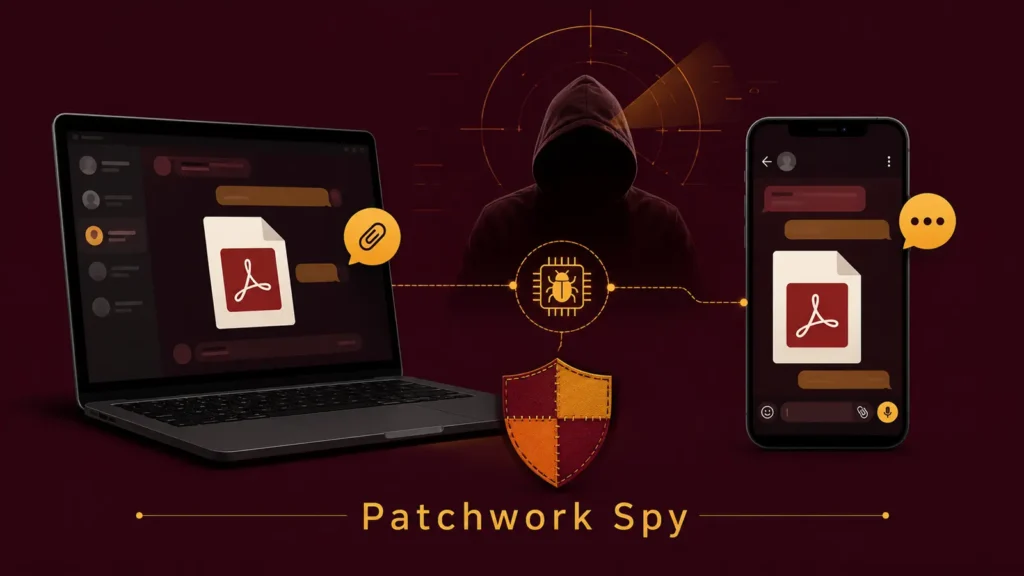
A well-established espionage group known as Patchwork — also referred to in threat intelligence circles as Dropping Elephant — has been observed running two parallel spying campaigns, one aimed at Windows desktops and the other at Android phones, according to new research from Picus Security shared with Cyber Security News.
A Long-Running Operation With a Wide Target List
Patchwork has been active since at least 2015 and has previously been linked to operations spanning Asia, Europe, Türkiye, and the United States. Its target list reads like a who’s-who of high-value sectors: government agencies, defense contractors, energy firms, research institutions, aviation companies, financial organizations, and technology businesses. The group’s toolkit blends phishing, social engineering, hidden scripting, and mobile surveillance capability, letting it pivot from a single deceptive file on a laptop all the way to a fully compromised smartphone.
The Windows Chain: A Shortcut Wearing a PDF’s Clothes
On the desktop side, the infection begins with a malicious shortcut file named GRES3001.lnk, styled to resemble a PDF tied to a China-themed energy contract. When a target opens what looks like a harmless document, the shortcut quietly launches PowerShell via conhost.exe, shows the victim a real-looking decoy PDF to avoid suspicion, and fetches additional malicious components in the background.
To maintain access, the malware creates scheduled tasks disguised with innocuous names such as GoogleErrorReport and NewErrorReport, ensuring it keeps running even after a reboot. It also hijacks legitimate-looking executables, including files named to resemble Fondue.exe and vlc.exe, to load its payload while blending in with normal system activity. Once established, the final remote access tool runs hidden inside trusted Windows processes, decrypting its payload in memory and, in some cases, weakening security checks within the process it has hijacked. From there it can enumerate files, capture screenshots, run arbitrary commands, and exfiltrate selected data.
The Android Chain: Romance as Bait
Patchwork’s mobile-focused campaign takes a very different approach, relying on fabricated romantic conversations to convince targets to abandon mainstream messaging platforms in favor of a trojanized chat app distributed outside official app stores. One identified app, called Wave Chat, presents itself as an ordinary messenger while quietly activating extensive surveillance functionality behind the scenes.
Once installed, Wave Chat can:
- Read visible chat content and log keystrokes
- Harvest notifications, contacts, and stored messages
- Search device storage for documents, images, and audio files
- Record ambient audio, phone calls, and calls made through other communication apps
- Upload all of the above to attacker-controlled infrastructure
The app is also built to relaunch itself automatically after a phone restarts, letting it keep collecting data without any further action from the victim. Beyond audio and messages, researchers found it can capture photos through the device camera, pull call records, and even delete selected files, contacts, or call history — likely to cover its tracks or remove evidence during an operation.
Why the Icon on a File Can’t Be Trusted
Both campaigns lean on a simple but effective trick: presenting a malicious file or app as something familiar and low-risk, whether that’s a contract document or a dating app conversation. Picus Security’s findings underline that a document icon is not proof a file is safe — in this case, a file displaying a PDF icon is actually a Windows shortcut (.lnk) capable of launching PowerShell.
Defensive Recommendations
Organizations concerned about exposure to this kind of campaign should focus on a few practical checks:
- Treat unexpected attachments with caution, especially files showing a document icon but carrying an .lnk extension
- Review scheduled tasks for unfamiliar entries and monitor for unusual PowerShell activity launched from conhost.exe
- Watch for executables running from public or temporary folders under names mimicking legitimate software
- Restrict mobile app installs to official app stores and scrutinize permission requests on messaging apps
- Educate staff about the risk of moving conversations from vetted platforms to unfamiliar chat apps at a stranger’s request
Patchwork’s dual-track approach — a desktop lure built around a fake business document and a mobile lure built around a fake relationship — shows how a single, well-resourced group can tailor social engineering to whichever device a target is more likely to let their guard down on.
Leave a Reply
You must be logged in to post a comment.