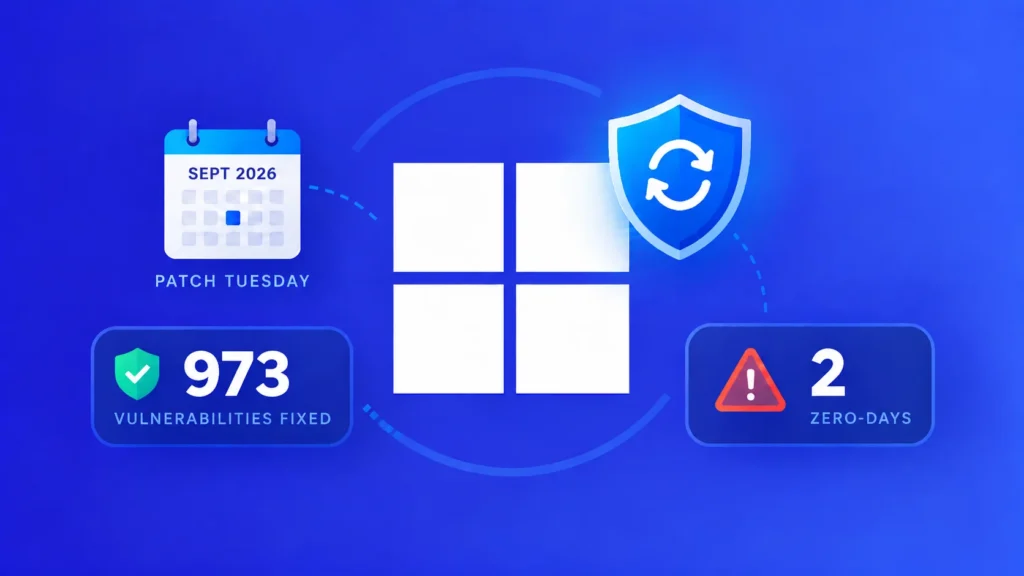
Microsoft’s September 2026 Patch Tuesday is an unusually large security release, closing 973 vulnerabilities across a broad range of products. The update demands attention not only because of its size, but because two Windows privilege-escalation flaws were already being used in attacks before fixes became available.
The affected portfolio stretches well beyond desktop Windows. Microsoft issued fixes for Office, SQL Server, Exchange Server, SharePoint Server, Azure components and developer tools, meaning most enterprise teams will need a coordinated rollout rather than a single endpoint campaign. Of the total, 723 vulnerabilities were assigned to Windows, 111 to Office, 62 to SQL Server, 22 to developer tools, 16 to SharePoint Server and nine to Exchange Server.
Two exploited Windows flaws move to the front of the queue
CVE-2026-85880 affects Windows Advanced Local Procedure Call and can allow an attacker to elevate privileges. Microsoft rates the issue Important and confirms exploitation, although public details do not identify the threat actors, victims or exact attack chain. That lack of detail should not reduce its priority: evidence of real-world use is a stronger operational signal than the rating alone.
The second exploited vulnerability, CVE-2026-81963, resides in the Windows Update Stack. It involves improper handling of links before file access and may let an already authorized local attacker obtain higher privileges. Both flaws are useful after an initial foothold, where greater permissions can help an intruder disable controls, access protected data or establish persistence.
Microsoft says neither zero-day was publicly disclosed in its Security Update Guide before the release. Private exploitation can still precede public disclosure, and defenders should assume exposed systems may already have been tested by attackers.
Privilege escalation and remote code execution dominate
Elevation-of-privilege weaknesses account for 438 of the month’s fixes. Remote code execution follows with 258, while the remainder includes 173 information-disclosure bugs, 56 denial-of-service issues, 19 security-feature bypasses, 16 spoofing flaws and 13 tampering vulnerabilities.
Several concentrations deserve special scrutiny. Windows Biometric Service received 64 fixes, mostly for privilege escalation, while SQL Server accounts for 61 issues and Windows DHCP Server for 50. Organizations that rely heavily on these services should verify both patch coverage and operational stability during deployment.
Critical fixes also affect Windows Secure Kernel Mode and Virtualization-Based Security. Office administrators have a separate workload: Microsoft patched critical remote-code-execution flaws in Excel and Word, including CVE-2026-81959, CVE-2026-81953 and CVE-2026-81952. A completed Windows update therefore does not prove that locally installed productivity applications are protected.
Infrastructure and developer systems also need attention
Important-rated remote-code-execution fixes cover the Windows Print Spooler, Message Queuing and Remote Desktop Client. Microsoft also addressed issues in the Key Distribution Center, Services for NFS and the Windows Cloud Files Mini Filter Driver. Developer environments are represented by a spoofing flaw in the Microsoft Authentication Library for Node.js and a remote-code-execution vulnerability in Azure CLI.
The breadth of the release creates a prioritization problem. Security teams should begin with the two exploited zero-days, then move to internet-facing systems, critical remote-code-execution bugs and high-value infrastructure. Product presence and exposure should guide the order rather than raw CVE counts.
A practical deployment plan
- Inventory affected Windows, Office, SQL Server, Exchange and SharePoint installations.
- Fast-track the exploited ALPC and Windows Update Stack fixes through representative pilot groups.
- Review known issues and application dependencies before wide server deployment.
- Install current servicing stack updates and confirm all required restarts occur.
- Investigate failed, offline or unmanaged devices instead of relying only on aggregate compliance figures.
Cumulative Windows updates can simplify distribution, but this month’s product diversity makes verification essential. Administrators should monitor authentication, database, messaging and line-of-business applications after each deployment wave. With active exploitation already confirmed, delaying the entire release for perfect compatibility carries its own substantial risk.
Leave a Reply
You must be logged in to post a comment.