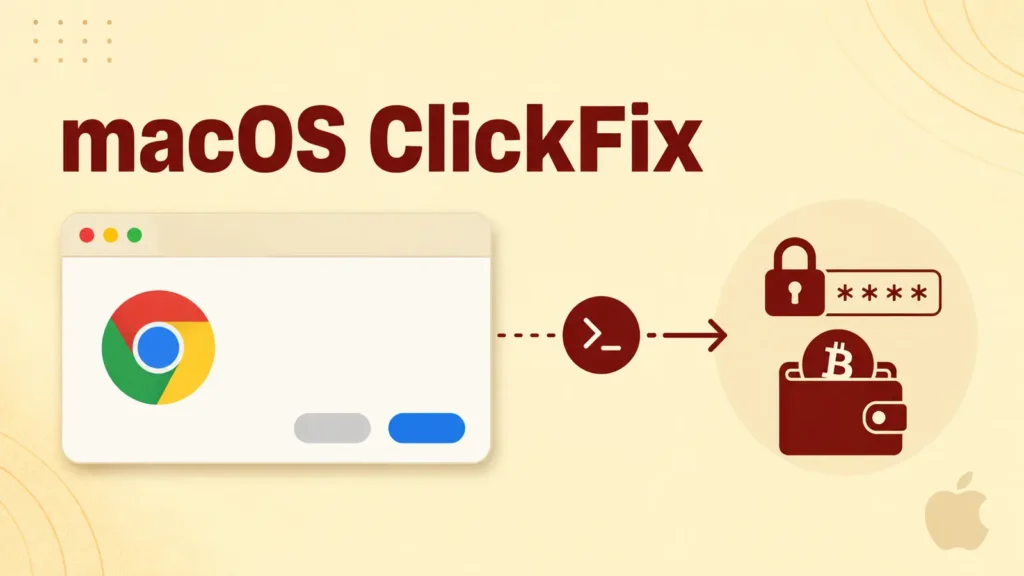
A malware campaign that has spent the past couple of years perfecting its pitch to Windows users has now fully arrived on macOS. Kaspersky reports that a ClickFix-style operation is using fake verification pages to talk Mac owners into infecting their own machines with Atomic Stealer, also known as AMOS — a commodity credential thief that has become one of the most prolific pieces of malware targeting Apple users.
No Exploit Required — Just a Convincing Prompt
ClickFix attacks don’t rely on a software vulnerability at all. Instead, they exploit something harder to patch: user trust in familiar-looking security prompts. A compromised or fraudulent website displays what appears to be a routine CAPTCHA check, an error message, or a browser update notice, then instructs the visitor to copy a block of text, open Terminal, paste it, and press enter. Framed as a simple verification step, the instructions actually run a malicious command with the user’s own permissions.
Once executed, the command silently downloads a disk image and stores it in a temporary system folder under a randomized name. The script mounts that image without showing it in Finder or placing an icon on the desktop — deliberately avoiding the visual cues a cautious user might notice — then locates and launches an installer package on its own.
Escalating Access Through a Fake System Dialog
To gain deeper access to the system, Atomic Stealer displays a counterfeit macOS authentication prompt that looks indistinguishable from a legitimate password request. Because the victim has already followed several “trusted” steps to get this far, entering a system password into this fake dialog feels like a normal continuation of the process rather than a red flag. That single action can hand the malware elevated privileges and access to far more sensitive data than a browser-level infection would normally allow.
What Atomic Stealer Actually Takes
Once installed, AMOS casts a wide net across the machine. Kaspersky’s analysis found it targets:
- Saved credentials, cookies, autofill data, and payment card details from Chromium-based browsers (Chrome, Edge, Brave, Opera, Arc, Vivaldi, and others) as well as Firefox-based browsers.
- Safari cookies, Apple Notes content, and Apple Keychain passwords.
- Documents in PDF, TXT, and RTF formats, along with data pulled from the desktop Telegram and Discord clients.
- Desktop cryptocurrency wallets including Exodus, Electrum, Atomic Wallet, Wasabi Wallet, Bitcoin Core, Litecoin Core, DashCore, Guarda, Binance Wallet, Dogecoin Wallet, and Tonkeeper.
- Data from more than 200 browser extensions associated with cryptocurrency wallets.
In a particularly aggressive move, the campaign has also been observed replacing legitimate Ledger Wallet and Trezor Suite applications with malicious lookalikes, giving attackers an additional route to intercept crypto transactions. Everything collected is bundled into a compressed archive and exfiltrated to the attacker’s server, where it can fuel direct account takeovers, cryptocurrency theft, or follow-on scams against the victim’s contacts and employer using hijacked messaging accounts.
Why This Technique Keeps Working
ClickFix’s effectiveness comes from putting the final, decisive action in the victim’s own hands. There’s no exploit for antivirus software to catch and no vulnerability for Apple to patch, because the user is the one approving the command, launching the installer, and — in the worst case — typing in an administrator password. That makes user awareness the primary line of defense rather than a backstop.
Practical Defenses
Security researchers stress a simple rule: no legitimate website ever requires a visitor to open Terminal and run a command to pass a verification check, confirm identity, or unlock content. Mac users should refuse any unexpected password prompt triggered by a browser action, keep macOS updated, and treat operating-system-level warnings as more trustworthy than instructions coming from a web page. As ClickFix lures continue to expand beyond their original Windows-focused playbook, that instinct to pause before pasting anything into Terminal is becoming essential for Apple users as well.
Leave a Reply
You must be logged in to post a comment.