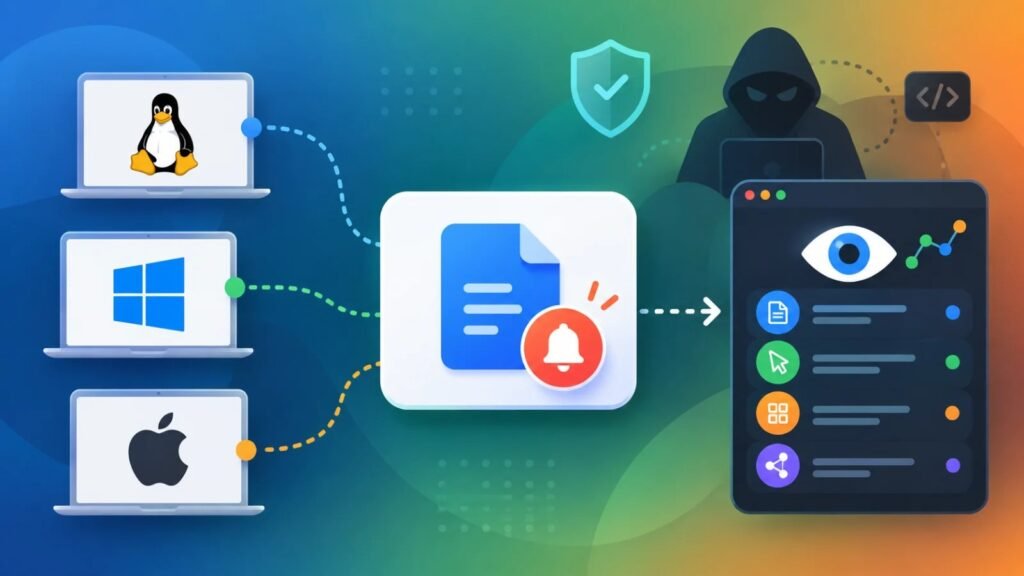
A feature every modern operating system relies on for basic housekeeping has turned out to double as a surprisingly effective surveillance tool. Researchers at Graz University of Technology have detailed how the file-change notification systems built into Linux, Windows, and macOS — mechanisms normally used to tell applications when a file has been created, modified, or deleted — can be quietly repurposed to monitor what a user is doing, without touching a single protected file or triggering a single antivirus alert.
No Exploit Required
The three systems in question are inotify on Linux, ReadDirectoryChangesW on Windows, and FSEvents on macOS. None of them are bugs in the traditional sense — they’re legitimate APIs doing exactly what they were designed to do. What the researchers demonstrated is that simply watching the timing and file paths of these notifications, and correlating them against known patterns, is enough to reconstruct sensitive user activity. Their method uses a semi-automated “templating” process: record filesystem events during a specific action, such as typing or opening a particular website, and build a signature that can recognize that action later. Critically, none of this requires elevated privileges — a standard, unprivileged local process can do it.
Fast, Light, and Hard to Notice
The technique is also efficient. Across all three platforms, the researchers measured timing resolution between 0.2 and 11.5 milliseconds, and the monitoring process itself never exceeded 0.21% CPU usage. That combination of speed and near-zero footprint makes it well suited to stealthy, long-running surveillance after an initial compromise, rather than a smash-and-grab attack.
Linux: The Most Exposed Platform
Linux fared the worst in the study. Because inotify reports fine-grained file-access events, an unprivileged account watching a readable parent directory could pick up notifications about files it has no permission to read directly — including entries under /dev, effectively sidestepping normal access controls. Using this approach, the team detected keystroke timing with F1 scores between 93.1% and 100% across seven test subjects, and monitoring of SSH pseudo-terminal sessions hit a perfect 100% (password fields, which suppress terminal echo, remained safe). The researchers also built a proof-of-concept UI-redress attack against KDE Plasma 6 running on Wayland, using notifications tied to PolicyKit’s pkexec process to time a fake authentication prompt directly over the real one. Separately, watching Firefox’s font-access patterns allowed fingerprinting of the top 100 websites with 87.9% accuracy.
Windows: An Even Wider Window
Windows showed the most direct exposure of the three. Simply monitoring the root of the C: drive let an unprivileged user see file paths belonging to other user profiles, despite lacking permission to read those directories outright. Because browser storage paths tend to reflect which sites a user has visited, the researchers used this to identify browsing activity in Firefox with a 97.8% F1 score and zero false positives across nearly 1,000 tested sites. Microsoft Edge fared better, at only 48.5% accuracy, largely because it creates fewer site-specific storage folders to leak from.
macOS Holds Up Better, But Isn’t Immune
Apple’s FSEvents framework leaked less than its counterparts, in part because it can’t be used to monitor another user’s private directories. Even so, shared system files still gave away meaningful behavioral signals: application launches, settings changes, print jobs, network cable connections, external storage insertions, Bluetooth pairing events, and VMware virtual machine state changes were all detectable. macOS also had the slowest average latency, at roughly 11.48 milliseconds — still fast enough for practical monitoring.
Mixed Vendor Response
The researchers disclosed their findings to the Linux community, Microsoft, Apple, and KDE back in October 2025. Linux shipped a partial fix for device-file exposure in early 2026, but the broader issue of unreadable files leaking through notifications remains open. Microsoft, for its part, classified the behavior as working as intended, though it pointed to an existing but disabled-by-default policy — EnforceDirectoryChangeNotificationPermissionCheck — that can restrict this kind of path disclosure if administrators turn it on.
What This Means for Defenders
Because the technique requires code already running as a local, unprivileged user, it’s a post-compromise risk rather than a remote entry point — but that’s exactly what makes it dangerous. Malware that already has a toehold on a system could use this method to profile a victim’s behavior without reading protected files, injecting into other processes, or deploying detectable hardware-level attacks. The researchers recommend that operating system vendors rework these notification APIs to distinguish between owned, readable, and protected files, and to limit whole-drive monitoring. In the meantime, security teams can reduce exposure by sandboxing untrusted applications, separating privileged service accounts, keeping systems patched, and — where available — turning on stricter notification-permission settings rather than leaving them at their default, permissive state.
Leave a Reply
You must be logged in to post a comment.