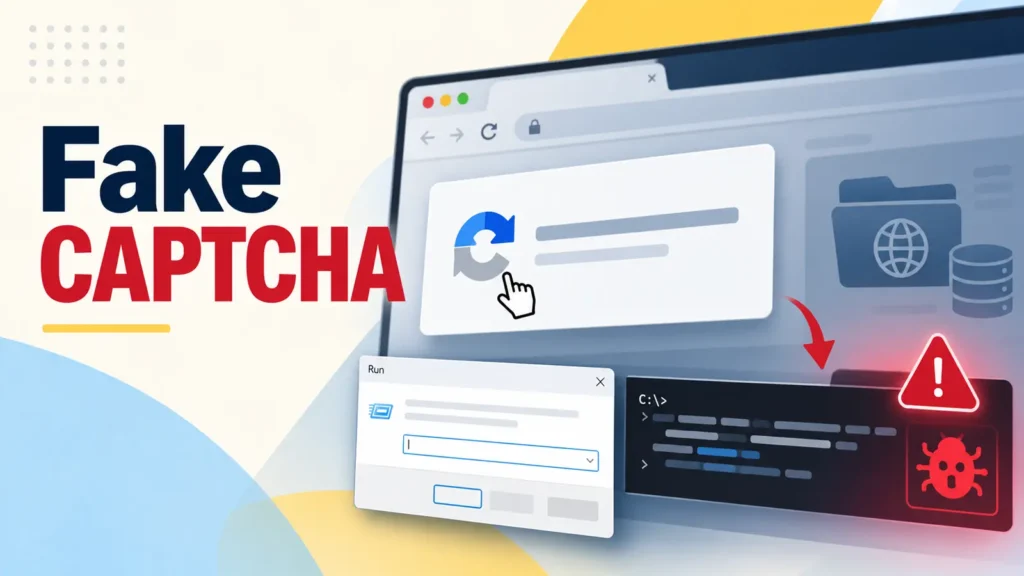
A new wave of ClickFix-style attacks is raising the bar for social-engineering malware by hiding its payload somewhere most defenders never look: the browser’s own cache. Microsoft Threat Intelligence has flagged a cluster of compromised websites that trick visitors into running a malicious command themselves, under the guise of a routine CAPTCHA or “fix this error” prompt.
A Familiar Trick With a New Twist
ClickFix-type attacks have become a staple of modern malware delivery because they sidestep technical exploits entirely and instead manipulate human behavior. Visitors to a booby-trapped site are shown a fake verification screen instructing them to open the Windows Run dialog, paste a snippet of text, and press Enter. A genuine CAPTCHA never asks a person to execute system commands, but the instruction is phrased convincingly enough that many users comply without a second thought.
What sets this variant apart is timing. In most ClickFix campaigns, the pasted command reaches out to a remote server to fetch the actual malware after the victim acts. Here, the heavy lifting happens beforehand: attackers quietly pre-position a VBScript payload inside the browser’s profile cache, disguising it as an ordinary PNG image file. By the time the victim pastes anything into Run, the malicious code is already sitting on the machine.
How the Infection Chain Plays Out
The pasted command is short deliberately, just long enough to launch a search through cache directories, such as a Firefox profile folder, for a file matching a specific byte size set by the attackers in advance. Once a match is found, the command copies that disguised “image” into a temporary VBScript file and executes it through the Windows Script Host, with all output and error messages suppressed so nothing looks amiss on screen.
From there, the infection escalates methodically:
- The VBScript profiles the machine using Windows Management Instrumentation and pulls down a follow-on PowerShell script.
- A second payload is retrieved, and the attackers invoke .NET compilation utilities to build and launch code on the fly.
- That code is injected into a legitimate, trusted Windows process, where it hunts for browser-stored credentials and other sensitive device data.
- For persistence, the PowerShell execution policy is flipped to “Bypass,” Python components are unpacked, and a scheduled task is created to relaunch a Python-based payload silently, even after the browser is closed.
Why Cache-Based Smuggling Is Hard to Catch
Security tools are generally tuned to flag suspicious downloads and outbound network requests at the moment of execution. By front-loading the payload into cache storage long before the user interacts with it, attackers sidestep that detection window almost entirely. Because the “trigger” size value varies between campaign variants, simple file-size heuristics are not a reliable defense either, forcing analysts to look at behavior rather than static indicators.
This approach builds on a broader trend documented in earlier reporting on fake CAPTCHA phishing and related “FileFix” cache-smuggling techniques, where the common thread is the same: abuse the implicit trust people place in routine verification prompts, then let the victim’s own click do the work a traditional exploit would otherwise need.
What Defenders Should Watch For
Because the attack leans on living-off-the-land behavior rather than an obviously malicious download, Microsoft and independent researchers point security teams toward behavioral signals instead of file signatures. Useful hunting leads include:
- Unusual read activity against browser cache folders shortly before a WScript or PowerShell process spawns.
- Entries in the RunMRU registry key reflecting pasted Run-dialog commands.
- PowerShell sessions launched with the execution policy set to Bypass.
- Newly created scheduled tasks invoking a windowless Python interpreter.
Microsoft is recommending that organizations enable cloud-delivered protection, web protection, network protection, application control, and PowerShell script-block logging to improve visibility into this kind of multistage, human-triggered attack chain. Security teams should also consider blocking or tightly monitoring the Run dialog’s clipboard-paste pattern on managed endpoints, and reinforce user training that no legitimate CAPTCHA or error message will ever ask someone to open Run and execute a command.
As cache-smuggling and other “human-assisted” infection techniques continue to spread, the underlying lesson is consistent: attackers are increasingly optimizing for the moment a user clicks rather than for a software flaw, which means awareness training and behavioral detection now carry as much weight as traditional patching.
Leave a Reply
You must be logged in to post a comment.