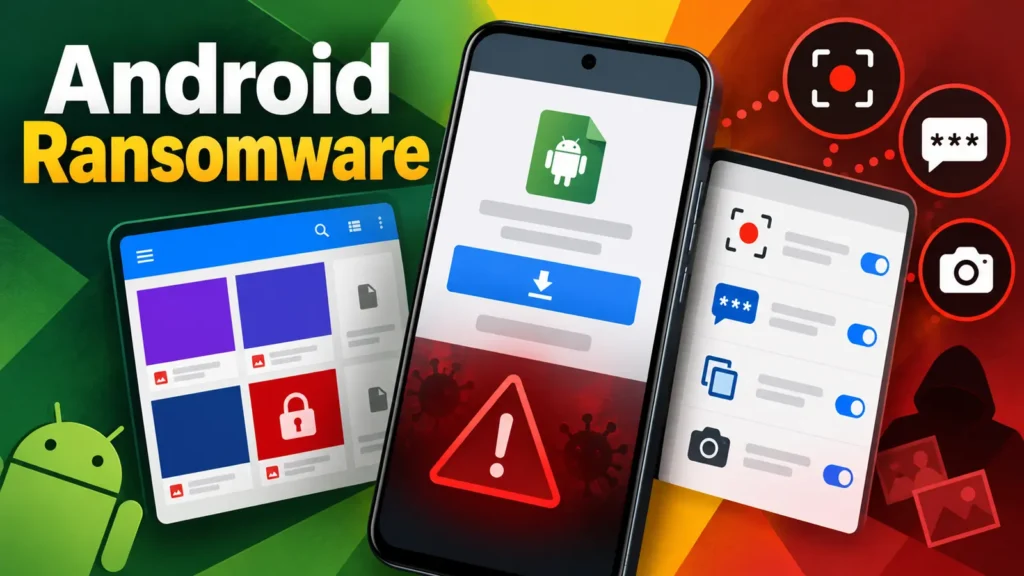
A newly identified Android threat combines ransomware with an extensive set of spying capabilities, creating a single infection that can lock files, intercept one-time passwords, monitor the screen and secretly take photographs. Researchers call the malware Mantax Otax and link the current activity to Indonesian threat actors and victims.
The campaign distributes standalone Android application packages through third-party file-sharing services. Victims are likely directed to the downloads through messages, shared links or phishing lures, then persuaded to install software from outside the official app store. That social-engineering step gives the attacker a route around some of Android’s normal marketplace screening.
Extortion and surveillance in one implant
Mantax Otax is more invasive than ransomware that merely encrypts local documents. Once installed with the necessary permissions, it can observe activity on the device and collect information that may unlock online accounts. Screen recording can expose conversations and financial details, while intercepted verification codes can help criminals defeat account login protections.
The ability to activate cameras without an obvious user action introduces a physical privacy risk. Images may reveal a victim’s surroundings, identity, workplace or sensitive documents. Combined with stolen files and account access, those photographs could support further extortion or highly personalized fraud.
Researchers also observed conventional ransomware behavior. Files can be encrypted or otherwise made unavailable, giving the operator leverage to demand payment. Because the same malware can steal data before denying access, restoring from backup does not eliminate the danger that copied information will be exposed or abused.
Sideloading remains the initial opening
The operation appears to depend on victims installing an APK obtained outside Google Play. Android permits sideloading for legitimate reasons, but the feature also shifts more responsibility to the user. A convincing app name, fake update notice or message from a compromised contact can make an unknown package appear trustworthy.
After installation, attackers may guide the victim through permission prompts or abuse accessibility-related capabilities to expand control. People often approve requests quickly when an app claims they are required for setup. Permissions involving notifications, accessibility, screen capture, device administration, SMS and cameras deserve particular scrutiny.
Warning signs and defensive measures
Users and organizations can reduce exposure by combining installation controls with monitoring:
- Install applications only from approved stores or a managed enterprise catalog.
- Disable installation from unknown sources unless a documented business need requires it.
- Reject unexpected requests for accessibility, notification access, screen capture or device-admin rights.
- Keep Android and security components updated, and enable mobile threat detection on managed fleets.
- Back up important data separately so an infected phone cannot encrypt the only available copy.
- Treat unexplained battery drain, camera indicators, data use or permission changes as investigation triggers.
What to do after suspected infection
A potentially infected device should be isolated from corporate networks and placed in airplane mode when doing so will not destroy needed evidence. Victims should use a separate, trusted device to change important passwords and contact banks or account providers. Because OTPs may have been captured, resetting passwords alone may be insufficient; active sessions, recovery methods and registered devices should also be reviewed.
Corporate response teams should preserve telemetry before wiping the phone, identify which accounts were accessed from it and examine whether stolen credentials were used elsewhere. A factory reset may remove the local threat, but follow-on activity can continue through already hijacked email, messaging or financial accounts.
Mobile ransomware is becoming a broader identity threat
Mantax Otax illustrates how categories such as spyware, banking malware and ransomware increasingly overlap. A phone is simultaneously a camera, authenticator, communications archive and gateway to cloud services. Compromising it can therefore affect far more than the files stored locally.
Defenders should frame mobile security as identity and data protection, not simply device hygiene. Preventing sideloaded applications, limiting powerful permissions and reacting quickly to suspicious behavior can stop an isolated malicious download from becoming extortion, financial fraud and long-term account compromise.
Leave a Reply
You must be logged in to post a comment.