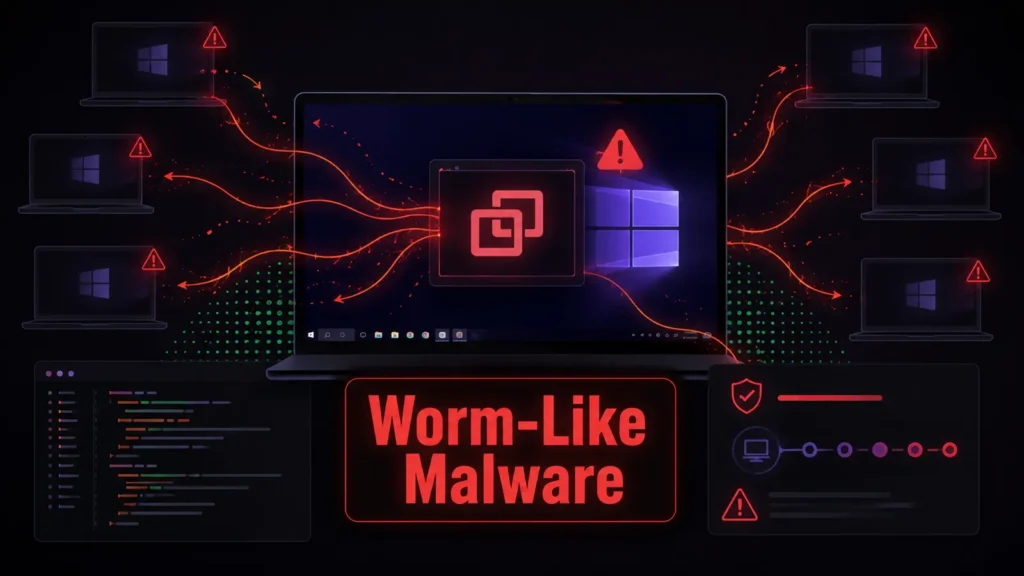
A coordinated attack campaign is turning ConnectWise ScreenConnect, a legitimate remote-support platform, into a distribution mechanism for Windows malware. Rather than exploiting a newly disclosed flaw in the software, the operators persuade victims to install or accept an attacker-controlled remote client. That foothold can then deliver a staged script chain and, in some cases, pass it to other computers that connect through the compromised support environment.
Researchers at Huntress observed the pattern across unrelated organizations during incident response work in late August. The repeated tooling and execution flow point to an organized operation. It is especially dangerous because remote administration traffic can resemble normal help-desk activity, allowing the intrusion to remain inconspicuous until unusual scripts or secondary tools appear.
How the compromise begins
The first step is social engineering, not vulnerability exploitation. Documented entry points included bogus technical-support interactions, phishing messages and a fraudulent refund-related search result. One victim was guided into using Windows Quick Assist; another downloaded an installer after following a lure. In each case, the objective was to make the target voluntarily grant remote control or run software presented as legitimate support tooling.
Once installed, the altered ScreenConnect client launches Windows Script Host and works through four VBScript stages. Early components profile the device, prepare encrypted content and check for conditions that might make deployment risky. Later components choose follow-on payloads. The toolset can establish persistence through a user Run key, install a concealed remote-access client, tunnel traffic and deploy cryptocurrency-mining software.
Remote connections become a propagation path
The campaign’s most distinctive feature is its ability to use ScreenConnect’s own file-transfer and execution functions against newly connected hosts. Recovered clients packaged the staged scripts and marked them to run when another machine joined a session. The malware recorded connection identifiers to avoid repeatedly sending the package during the same session, but removed those records after disconnection. A later reconnection could therefore start delivery again.
This behavior gives the intrusion a worm-like quality without relying on automated scanning or an operating-system exploit. The trust relationship created by remote support becomes the bridge between systems. A single unauthorized deployment may consequently endanger more than the first employee workstation, particularly where support operators connect to servers or other sensitive endpoints.
What defenders should investigate
Administrators should treat an unexpected ScreenConnect installation as a security incident even when the executable is correctly signed or uses familiar filenames. Huntress highlighted suspicious server audit events involving remote file execution from a guest process. Defenders should also correlate ScreenConnect sessions with Windows Script Host and PowerShell activity, rather than depending on exact filenames that attackers can easily change.
- Inventory approved remote-monitoring and support tools, including their expected server identifiers.
- Alert when users install remote-access clients or when scripts start directly from a support session.
- Review persistence under the current user’s Run registry key and investigate unexpected VBS or batch files.
- Restrict outbound connections to unapproved remote-management infrastructure and tunneling services.
- Isolate affected endpoints promptly so later remote sessions cannot expose additional systems.
Recovery requires more than uninstalling the client
Removing the visible support application may leave persistence, downloaded payloads or altered security controls behind. Huntress recommends rebuilding affected hosts from known-good media or performing a clean operating-system installation. Teams should then rotate credentials used from the machine, review connected systems, and search centralized telemetry for the same client identifier, scripts and network infrastructure.
The wider lesson is that trusted administration products need tight governance. Organizations should publish a clear support process, prevent unapproved tools from being installed and remind staff never to share access codes after an unsolicited call, pop-up or search result. Remote support is powerful precisely because it crosses security boundaries; attackers are now using that same convenience to make one successful deception reach much further.
Leave a Reply
You must be logged in to post a comment.